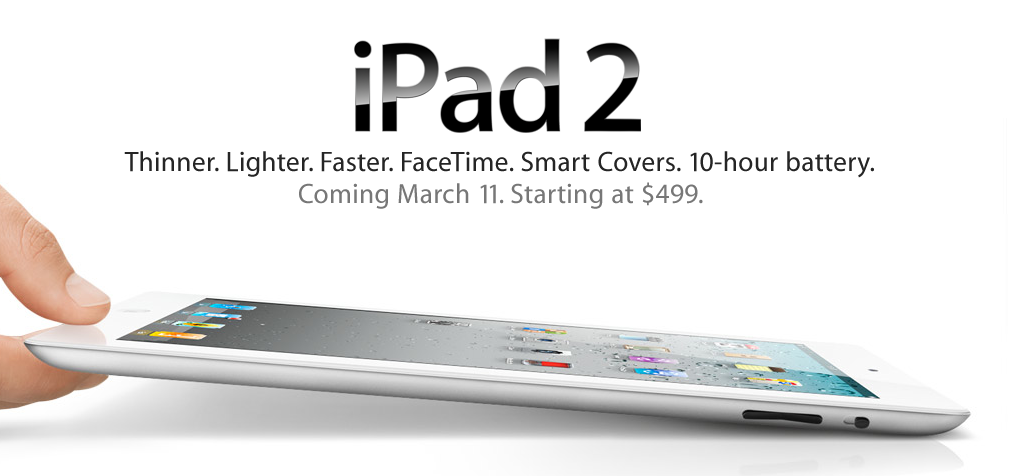
Apple’s iMovie app is supposed to only work on the iPad 2, iPhone 4 and iPod touch fourth-generation, but someone has figured out a way to install it on the first-generation iPad too. No jailbreaking required.
The following steps will install the iMovie app on your first-generation iPad:
- Download the iMovie app in the iTunes App Store (link)
- Download the newly updated iPhone Configuration Utility from Apple
- Click the add button, then navigate to
~ / Music / iTunes / iTunes Media / Mobile Applications - Select iMovie 120.ipa from the list
- Select the iPad from the sidebar on the left, then click the applications tab in the right pane
- Navigate to the iMovie listing, and hit the install button
That’s it! And according to Macgasm, Syncing your iPad 1 with iMovie doesn’t remove it, but it does keep asking you to “authorize” the app. Just click cancel and everything should work fine.
Source: Macgasm